Stop paying for bad clicks.
For Amazon sellers who run their own ads. A negative keyword list from your own report. $39.
Get my negative list
How it works
Upload your search term report
Export it from your ad console (60 days is ideal). Upload the CSV here. No login, ever.
We find the waste
Every search term that spent money and never sold, and the ones selling above your target cost. Grouped by campaign.
You paste in the negatives
A paste-ready negative exact and negative phrase list per campaign, with the money each one stops.
Before and after
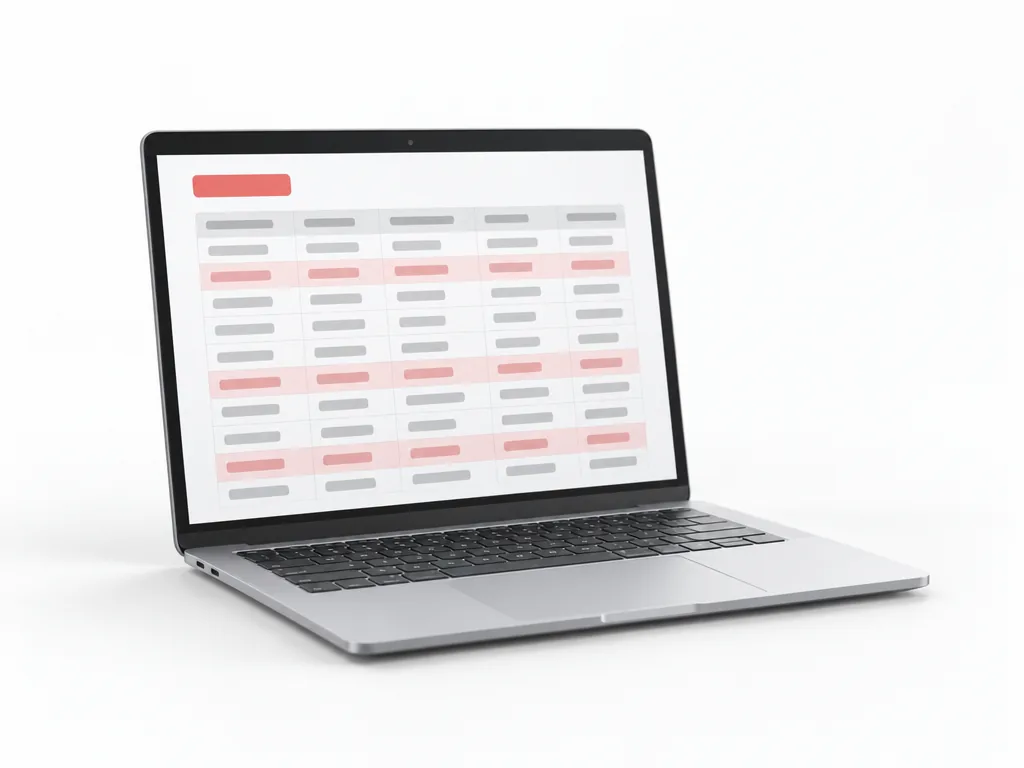
A sample row, labelled as a sample. Your list comes from your own report.
Search term "dog bed cover" · 212 clicks · $96 spent · 0 orders · still running in the auto campaign.
Negative exact: dog bed cover (and 38 more like it). About $412 a month of clicks that never bought, stopped. Plus 6 terms that sell, moved to their own exact match.
Sample numbers are invented. Your list uses only the rows in the report you upload.
Waste finder
Choose your search term report (CSV). It lists the terms that spent money and never sold, right here, without sending the file anywhere.
| Search term | Clicks | Spend | Orders |
|---|
One report. One price.
per search term report · UK £31 incl. VAT · A$59 · C$52 · same day, within 24 hours
Pay by card. Upload your report in the form first, or email it to ppcnegatives@mail.tab.bot after paying.
Not ready? Take the free checklist.
The 8 kinds of search term that waste money (and how to spot each in the report), plus a sample negative list. By email, free.
One email with the checklist, then a few short emails about cutting wasted ad spend. Unsubscribe in one click.
Questions
Do you log in to my Seller Central?
No. You download the search term report yourself and upload the CSV to us. We never see your login, and we never change anything in your account.
What exactly do I get?
A spreadsheet: every term that spent money and never sold, and every term above your target ACOS, grouped by campaign and ad group, with a paste-ready negative exact and negative phrase list and the money each one stops. Plus the terms that sell, which you may want to move to exact match.
How long does it take?
The same day, within 24 hours of the report. Then one free round of changes. We do not promise a lower ACOS or more sales; nobody honestly can.